Water drop icon on Samsung smartphones: What it means and how to fix it
The appearance of a water drop notification on Samsung phones indicates moisture in the USB-C port and the activation of safety protocols. The manufacturer outlined safe drying methods.
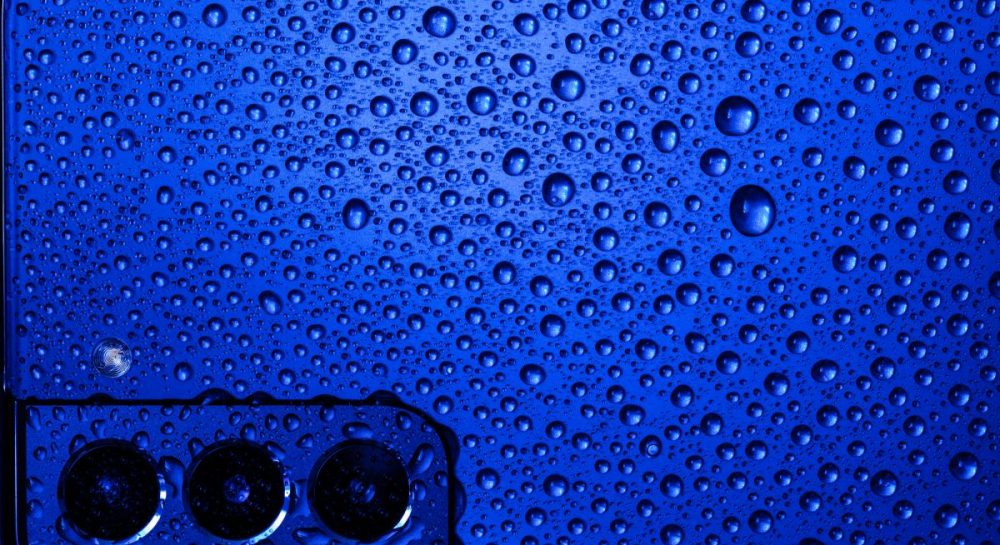 🚨Events
Photo: UNIAN
Key points
- IP68 protection mechanism detecting moisture in ports
- Temporary disabling of wired charging for safety
- Avoiding ineffective methods like rice and hot hair dryers
- Troubleshooting via cache clearing or cable replacement
Users of Samsung smartphones may occasionally encounter an unexpected notification featuring a water drop icon on their screens. This system alert is triggered automatically when internal sensors detect moisture within the USB-C port or casing exceeding safe thresholds. Although many contemporary Galaxy models feature robust water-resistance standards, even high-level sealing does not make the electronics entirely invulnerable to liquids.
Safety locks and correct drying procedures
To prevent potential short circuits or hardware failures, the smartphone temporarily disables wired charging through the USB port until the moisture completely evaporates. At the same time, the manufacturer notes that wireless charging remains operational if the exterior of the device is dry. Upon seeing the warning, users should immediately unplug any connected cables, wipe the device with a dry cloth, and gently shake it with the charging port facing downward.
Engineers strongly advise against using the common myth of placing a wet phone in rice, as this method offers low efficiency and risks clogging the port with fine dust and starch. Similarly, using a hairdryer with hot air should be avoided to prevent internal component damage. Instead, leaving the device in a well-ventilated area or directing a cool airflow at the port is recommended.
If the notification persists after thorough drying, the issue may stem from a software glitch in the moisture sensor, requiring users to wait at least 24 hours or clear USB settings cache.
If the error message continues to display due to lingering moisture or a damaged cable plug, trying an alternative charging cable is advised. Should the physical contacts suffer irreversible corrosion from aggressive liquids, utilizing wireless charging serves as a temporary alternative before visiting a professional repair service.
Source UNIAN — unian.ua/techno/gadgets/samsung-blokuye-zaryadku-shcho-oznachaye-zn… ↗
Read next
 🎭Culture & Sport
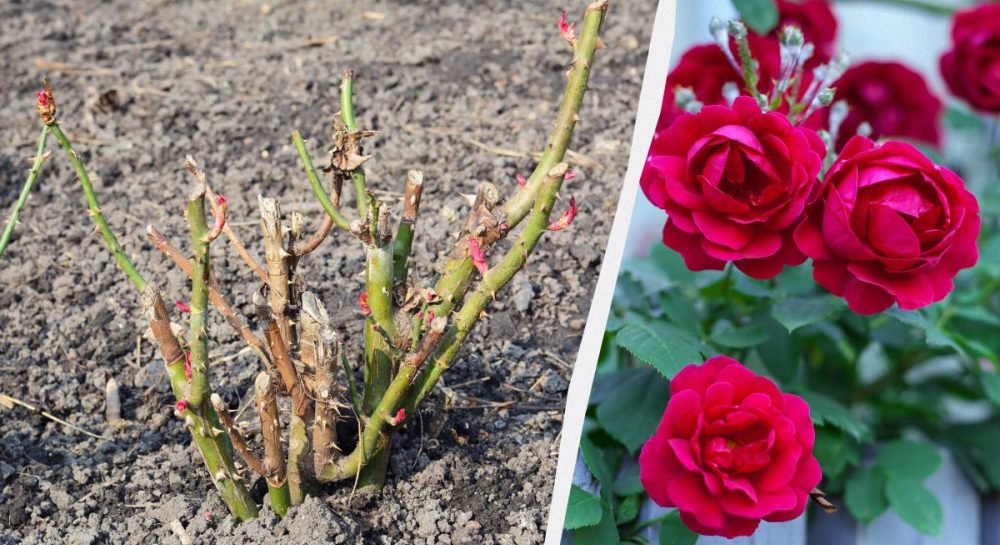
Autumn Rose Care: Expert Tips for Gardeners
Experts explain why gardeners should avoid radical pruning of roses until the first hard frosts arrive.
 🛡️Security
Estonia comments on incident involving Russian vessel in Gulf of Finland
Estonian Foreign Minister Margus Tsahkna stated that Ukraine has the right to defend itself against Russian aggression following the incident at sea.
 🛡️Security
Rescue operation in Dymer: 89-year-old woman pulled from rubble of destroyed building
In the town of Dymer, Kyiv region, rescuers continue clearing debris after a Russian drone attack, where they managed to save an elderly woman.
 🛡️Security
Russian corvette 'Merkury' in Libya: potential maritime drone attack
An explosion occurred on the Russian warship 'Merkury' in the Libyan port of Benghazi. According to international media, the incident may have been caused by an attack fr…
 🛡️Security
Russia tests NATO defense algorithms through airspace violations
Military experts point to systematic attempts by the Russian Federation to test the Alliance's reaction speed by flying missiles and drones into neighboring territories.
 🏛️Politics
Global warming: Scientists discover activity of ancient bacteria in permafrost
Researchers from the University of Colorado have found that microorganisms frozen for 40,000 years can resume activity when temperatures rise.